Streaming has become part of daily life. Families stream movies in the living room, teens watch YouTube in their bedrooms, and someone else might be gaming or attending a Zoom call at the same time. With so many devices connected, it’s normal to ask: what internet speed is needed for streaming on multiple devices at home?
The answer depends on how many people are online, what they are streaming, and the quality of video they choose. In this guide, we’ll break down exactly how much speed you need, how streaming affects your bandwidth, and how to prevent buffering issues in a busy household.
Understanding Internet Speed Basics
Before choosing an internet plan, it helps to understand what internet speed really means.
Internet speed is measured in megabits per second (Mbps). This number shows how much data your connection can download or upload in one second.
There are two main types of speed:
- Download speed – How fast you receive data from the internet. This matters most for streaming.
- Upload speed – How fast you send data to the internet. This matters for video calls, gaming, and uploading content.
For streaming movies and TV shows, download speed is the most important number.
How Much Speed Does Streaming Use?
Different video qualities require different speeds. The higher the resolution, the more data is needed.
Here’s a general guide:
- Standard Definition (SD): 3–5 Mbps
- High Definition (HD 720p/1080p): 5–10 Mbps
- 4K Ultra HD: 15–25 Mbps
- 8K Streaming: 50 Mbps or more
Streaming platforms like Netflix, Hulu, Disney+, and YouTube adjust quality automatically based on your connection speed. However, if your speed drops too low, you may experience buffering.
What Internet Speed Is Needed for Streaming on Multiple Devices?
If only one person is streaming in HD, 10 Mbps may be enough. But most homes have multiple devices connected at once.
To calculate your needs, multiply the speed required for each device.
For example:
- One 4K TV (25 Mbps)
- One HD TV (10 Mbps)
- One tablet streaming YouTube (5 Mbps)
- One person on a video call (5 Mbps)
That household would need at least 45 Mbps, and that’s without adding a safety buffer.
For smooth performance, experts recommend adding 25–50% extra bandwidth. In this example, a 75–100 Mbps plan would be more reliable.
Recommended Speeds by Household Size
Here’s a general guide for typical households:
1–2 People (Light Streaming)
If one or two people stream in HD and browse social media:
- Recommended speed: 50 Mbps
This allows for smooth HD streaming, light gaming, and occasional video calls.
3–4 People (Moderate Streaming)
If multiple people stream at once, including some 4K content:
- Recommended speed: 100–200 Mbps
This range supports:
- Two 4K streams
- One or two HD streams
- Online gaming
- Video meetings
- Smart home devices
5+ People (Heavy Streaming Household)
In larger homes with many devices:
- Recommended speed: 300–500 Mbps
This supports:
- Multiple 4K streams
- Online gaming
- Remote work
- Cloud backups
- Smart TVs and security systems
If your home uses 8K streaming or heavy gaming downloads, you may benefit from gigabit internet (1,000 Mbps).
Why Buffering Happens Even with Fast Internet
Many people assume that if they pay for high-speed internet, buffering should never happen. However, speed is only part of the equation.
Other factors can affect streaming quality:
1. Wi-Fi Signal Strength
If your router is far from your TV or device, the signal may weaken. Walls, floors, and furniture can block Wi-Fi signals.
2. Router Quality
Older routers may not handle multiple devices well. Newer routers support:
- Dual-band or tri-band connections
- Wi-Fi 6 technology
- Better device management
3. Network Congestion
If everyone in your house is online at the same time, your network can slow down, even with a good plan.
4. Internet Service Provider (ISP) Issues
Sometimes the issue is outside your home. Peak usage hours may reduce speed.
The Impact of 4K and Smart TVs
Modern homes often have multiple smart TVs. 4K streaming uses significantly more data than HD.
For example:
- One HD stream: about 3 GB per hour
- One 4K stream: about 7–10 GB per hour
If two TVs stream 4K content nightly, you could use hundreds of gigabytes per month.
Make sure your plan:
- Offers enough speed
- Does not have strict data caps
Some providers limit data usage. Exceeding that limit can lead to extra fees or slower speeds.
Don’t Forget About Other Connected Devices
Streaming devices are not the only devices using your bandwidth.
Most homes also have:
- Smartphones
- Tablets
- Laptops
- Gaming consoles
- Smart thermostats
- Security cameras
- Voice assistants
Even when not actively streaming, these devices use background data for updates and syncing.
This is why adding extra bandwidth beyond your streaming needs is important.
Upload Speed Matters Too
While download speed is key for streaming shows, upload speed matters if:
- You attend Zoom meetings
- You livestream content
- You upload videos to YouTube
- You use cloud storage
For households with remote workers or students, at least 10–20 Mbps upload speed is recommended.
Fiber internet often provides equal download and upload speeds, making it ideal for busy households.
Fiber vs Cable vs DSL for Streaming
Your internet type affects performance.
Fiber Internet
- Fastest option
- Symmetrical speeds (equal upload/download)
- Best for heavy streaming households
Cable Internet
- Widely available
- Good speeds
- May slow during peak hours
DSL Internet
- Slower speeds
- May struggle with multiple 4K streams
If multiple people stream daily, fiber or high-speed cable is usually the best choice.
How to Test Your Current Speed
Before upgrading, test your internet speed.
You can use free online speed tests. When testing:
- Disconnect extra devices
- Test at different times of day
- Compare results to your plan’s advertised speed
If your actual speed is much lower than expected, contact your ISP.
Tips to Improve Streaming Performance at Home
Even if your internet plan is fast enough, your home setup can still affect streaming quality. Buffering and lag often happen because of weak Wi-Fi signals or outdated equipment.
Upgrade Your Router
If your router is more than a few years old, it may struggle to handle multiple devices. Modern routers support:
- More connected devices at once
- Faster Wi-Fi standards like Wi-Fi 6
- Stronger and wider signal coverage
Upgrading your router can instantly improve streaming stability.
Use Ethernet When Possible
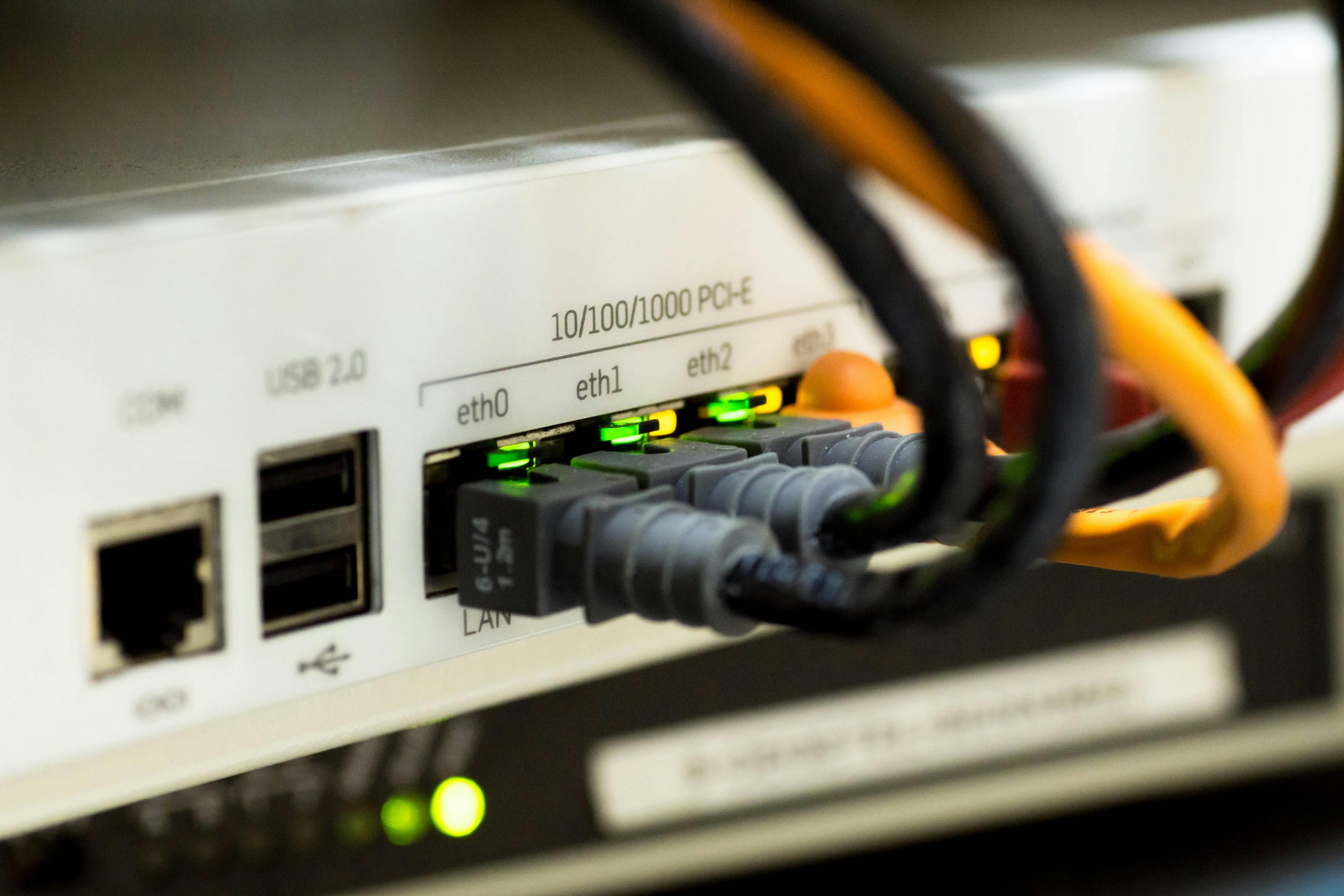
Wired connections are more reliable than Wi-Fi. Plug smart TVs, gaming consoles, or desktop computers directly into the router using an Ethernet cable. This reduces lag, prevents signal interference, and provides consistent speeds — especially for 4K streaming.
Position Your Router Properly
Router placement matters. For best performance:
- Place it in a central location
- Keep it away from thick walls and metal objects
- Elevate it off the floor
- Avoid placing it near microwaves or cordless phones
Good placement helps distribute the signal evenly throughout your home.
Consider a Mesh Wi-Fi System
Large or multi-story homes may have weak spots. A mesh Wi-Fi system uses multiple access points to extend coverage evenly. This reduces dead zones and improves streaming performance in every room.
Small changes to your setup can make a big difference in streaming quality.
How Much Speed Do Streaming Platforms Recommend?
Here are general platform guidelines:
- Netflix 4K: 15–25 Mbps per stream
- YouTube 4K: 20 Mbps per stream
- Disney+: 25 Mbps for 4K
- Hulu HD: 6–8 Mbps
If three people stream Netflix in 4K at once, you may need 75 Mbps just for those streams.
Is Gigabit Internet Worth It?
Gigabit internet (1,000 Mbps) sounds impressive, but not every household needs it.
It may be worth it if:
- You have 5+ heavy streamers
- Multiple people game online
- You frequently download large files
- You run a home office
- You want future-proof performance
For average families, 200–500 Mbps is often more than enough.
Planning for the Future
Internet needs are increasing every year. What feels fast enough today may not be enough in just a few years. Smart homes, cloud gaming, virtual reality, and even 8K video streaming are becoming more common. As technology improves, devices use more data and require stronger, more stable connections.
When choosing an internet plan, it’s important to think beyond your current usage.
Consider:
- Future devices: You may add more smart TVs, gaming consoles, tablets, security cameras, or smart appliances. Each new device adds to your network demand, even if it runs in the background.
- Growing family needs: Kids get older and begin streaming more content, attending virtual classes, or gaming online. More users usually means more simultaneous streaming.
- Work-from-home trends: Remote work and online learning are now common. Video meetings, large file uploads, and cloud-based tools require both strong download and upload speeds.
Choosing slightly more speed than you currently need gives you room to grow. It helps prevent slowdowns as your household’s digital demands increase, ensuring smooth streaming and reliable performance long term.
Final Thoughts: Choosing the Right Speed for Your Home
So, what internet speed is needed for streaming on multiple devices at home?
Here’s a simple summary:
- 1–2 users: 50 Mbps
- 3–4 users: 100–200 Mbps
- 5+ users: 300–500 Mbps
- Heavy 4K/8K households: 500 Mbps to 1 Gbps
The right speed depends on how many devices are streaming at once and what video quality they use.
If your household regularly streams in 4K while gaming and attending video calls, investing in faster internet can prevent frustration and buffering.
Reliable internet is no longer a luxury. It’s a necessity for entertainment, education, and work. By choosing the right speed and optimizing your home network, you can enjoy smooth streaming on every device in your home.